It's super easy to register.....
Step 1: Head to My Account and select 'Register Account'.
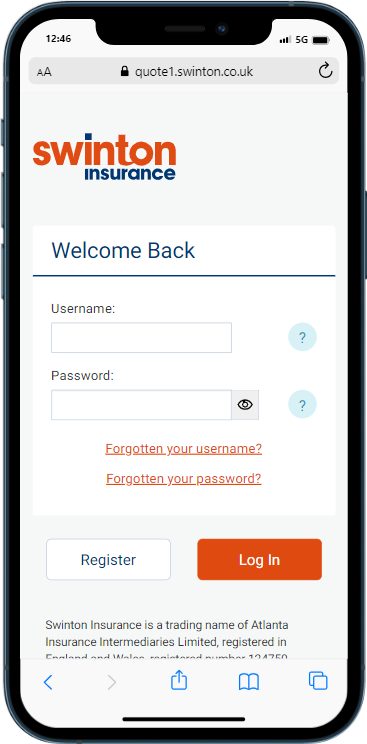
Step 2: Complete all of the fields on the registration form.
Hints & Tips
• Your policy number can be found on a letter or email that you will have received from us when you purchased your policy.
• Take care to enter this exactly as it appears on your document
Step 3: Once all fields are completed, select 'continue'.
If everything is correct you'll be taken to a verification page, where you will need to enter the verification code which will be sent to your email address.
Hints & Tips
• Finding the email... check Junk etc...
Step 4: Input the confirmation code, select 'confirm code'
Final Step: You're in !
A banner should appear that shows 'account registration successful'.